> ## Documentation Index
> Fetch the complete documentation index at: https://docs.soloent.ai/llms.txt
> Use this file to discover all available pages before exploring further.
# Voice Input
> Speak directly in the chat window to make writing easier
Voice input is supported from **v0.12.0**.
Click **Voice input** (the microphone icon) in the chat window and you can start speaking your input, which makes writing easier.
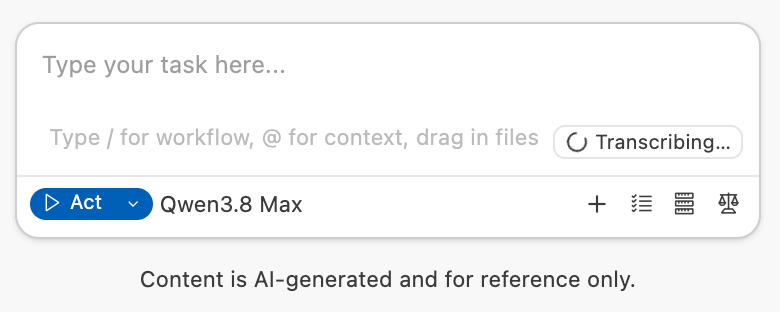
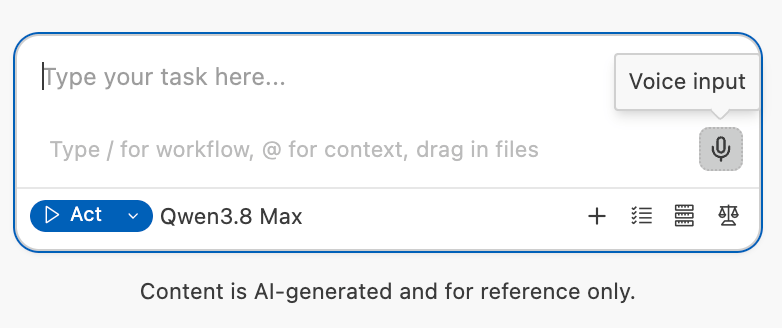 Click it to start speaking, then click again when you're done. Transcription into text starts automatically, and the input box shows **Transcribing...** while it works.
 ## Credit usage
Tokens consumed by Voice input are deducted automatically from your **membership quota**. You can review them under **usage details** in the Dashboard.
## Credit usage
Tokens consumed by Voice input are deducted automatically from your **membership quota**. You can review them under **usage details** in the Dashboard.