> ## Documentation Index
> Fetch the complete documentation index at: https://docs.soloent.ai/llms.txt
> Use this file to discover all available pages before exploring further.
# 语音输入
> 在聊天窗口中直接说话输入,让写作变得更轻松
语音输入从 **v0.12.0** 开始支持。
在聊天窗口中点击 **Voice input**(麦克风图标),你就可以开始说话输入,让写作变得更轻松。
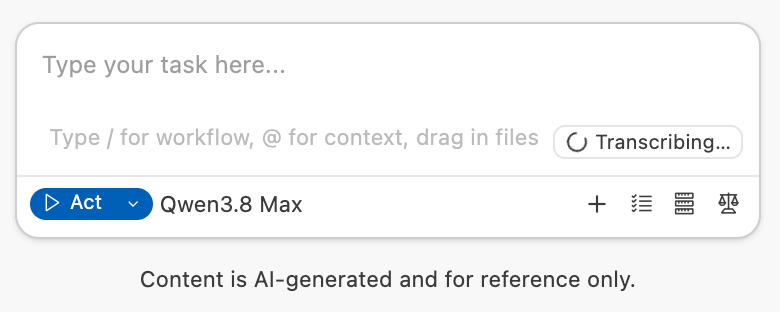
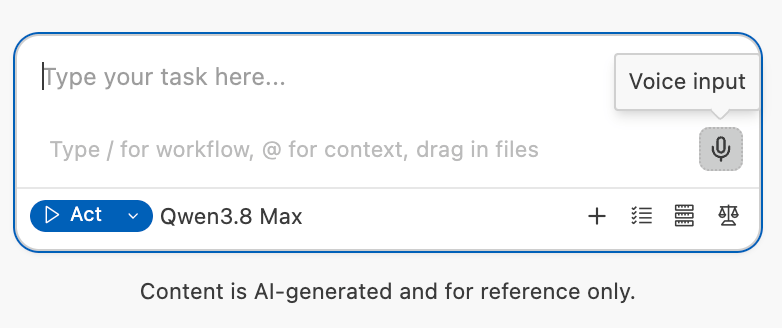 点击后你可以开始说话,完成后再点击,自动开始转写为文字,转写过程中输入框会显示 **Transcribing...**。
 ## 额度消耗
Voice input 产生的 token 消耗会从**会员额度**中自动扣除,你可以在 Dashboard 的**用量详情**中查看。
## 额度消耗
Voice input 产生的 token 消耗会从**会员额度**中自动扣除,你可以在 Dashboard 的**用量详情**中查看。