

Choosing a theme
On first launch
Select your initial theme from the welcome screen.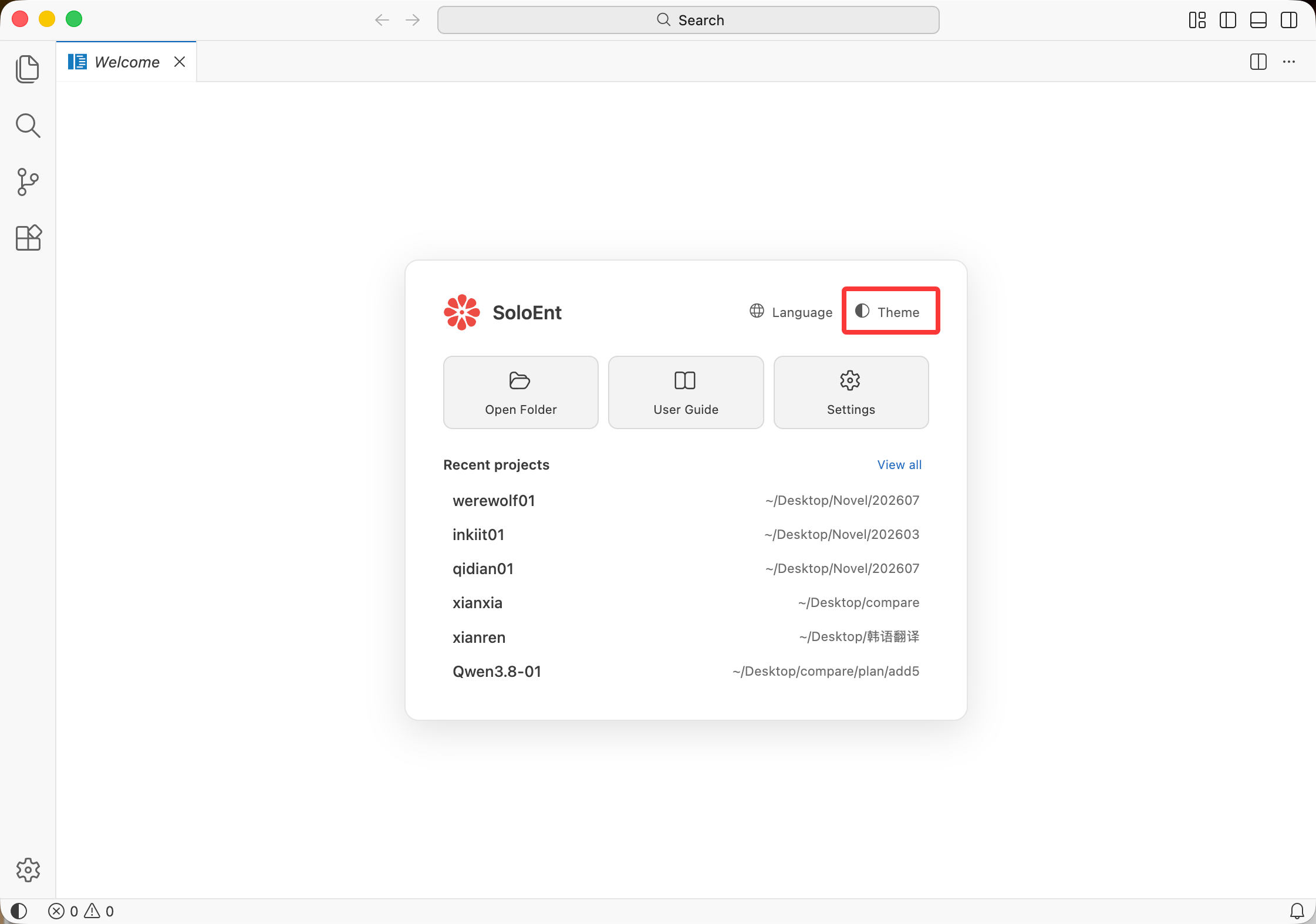
Changing theme anytime
1
Open menu
Click SoloEnt (top-left) → Settings.
2
Go to Themes
Select Themes → Color Theme.
3
Preview and select
Use arrow keys (↑/↓) to preview themes. Press Enter to apply.

Quick selection guide
Themes are grouped into light themes and dark themes. Common picks:Eye comfort tips
Match your environment
Match your environment
Use light themes in bright rooms, dark themes in dim lighting.
Reduce blue light
Reduce blue light
Choose a lower-saturation, warmer theme such as Solarized Light or Solarized Dark for evening writing.
Take breaks
Take breaks
Follow the 20-20-20 rule: every 20 minutes, look at something 20 feet away for 20 seconds.
Next steps
API Configuration
Configure API settings
Start writing
Create your first project